WPEForm No-Code Drag and Drop WordPress Form Builderwpeform.io
FeaturesPricingExamplesHelpContact salesLog in
Sign up

Video Tutorials

Getting Started

Design & Behavior

Conditional Logic

  • Logic Overview3m
  • Sample Form Example2m

Setup Notifications

Setup Limits

Setup Quizzes

Form Elements

Summary Page

User Portal Page

Administration

Advanced Topics

How to setup conditional logic in WPEForm WordPress Form Builder

Setup conditional logic to show or hide pages or programmatically set value of an element.

Show, hide or set value of elements with conditional logic
1

Show, hide or set value of elements with conditional logic

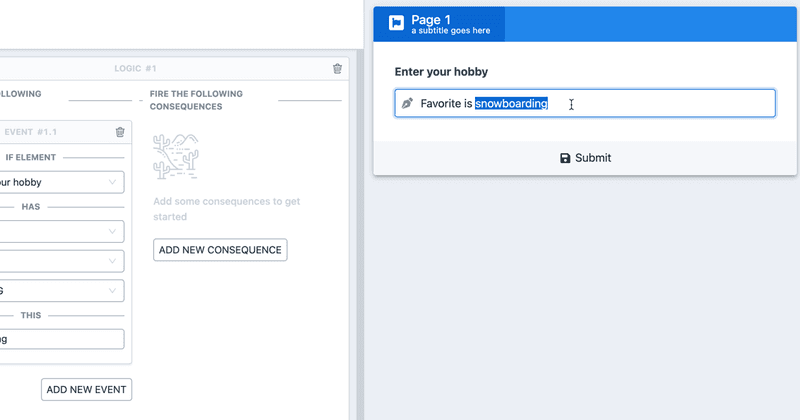
With conditional logic you can show/hide or set value of an element, based on programmable events.

Continue Reading…

Create a interactive form with conditional logic
2

Create a interactive form with conditional logic

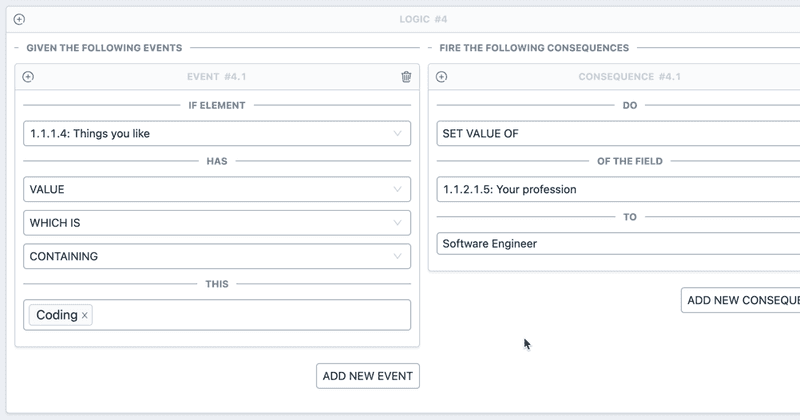
Create a relatively simple interactive form with conditional logic. Learn about different events and consequences like show/hide and setting value.

Continue Reading…


Still no luck? We can help!

Submit a new support request from the link below and we will get back to you as soon as we can.

Submit New Ticket

wpeform.io

© 2020 - 2025 WPEForm.io

Made with in India.
Credits & Attribution.

WPEForm No-Code Drag and Drop WordPress Form Builder

Product

  • Pricing
  • Features
  • Examples
  • Documentation
  • Customer Login

Website

  • Blog
  • Contact Us
  • About Us
  • Terms
  • Privacy

Resources

  • FAQs
  • Licensing
  • Developer Tooling
  • WordPress Tooling
  • React Form SDK

Goal

Fast and modern WordPress no-code form builder for payments, quotation, quizzes, conversations & feedback.

    We use cookies to analyze traffic and sale. To find out more, please see our Privacy policy. By continuing to browse our website, you agree to our use of cookies.